
What does the Minecraft parkour video generator do?
It combines your script, an AI narrator, a prepared Minecraft parkour background, and synced captions into one vertical video. You can also add background music and download the finished MP4.
Use our Minecraft parkour video generator to turn your story or script into a TikTok or YouTube Short with built-in gameplay, an AI voiceover, synced captions, and optional music—no recording or editing needed.
Your narrated video and download will appear here.
Made with this generator
Watch two finished videos to hear the AI voices and see how the captions follow the narration over Minecraft parkour footage.
Press play to watch with sound. Each example uses the same options available in the generator above.
Create your own videoSarah narrates over Parkour 04, with each spoken word highlighted in a red box at the center of the video.
River explains a surprising fact about bananas and strawberries, with yellow word highlights and background music.
Bring a story, a few interesting facts, or a short explanation. You can do the rest here in your browser.
Write or paste the words you want spoken, up to 2,000 characters. Your script is narrated as written, so check names, punctuation, and the opening line.
Preview a narrator and a parkour background. Pick white captions, red-box highlights, or yellow word highlights, then choose their position and add music if you want it.
Check the credit cost on the generate button, then create your video. Preview the finished result and download a vertical MP4 to upload to TikTok, YouTube Shorts, or Instagram Reels.
Choose a Minecraft parkour background without recording a gameplay session or finding a separate clip.
The footage is trimmed or repeated to fit your narration. The same 9:16 format works for storytime posts, quick facts, and short explainers.
Choose your background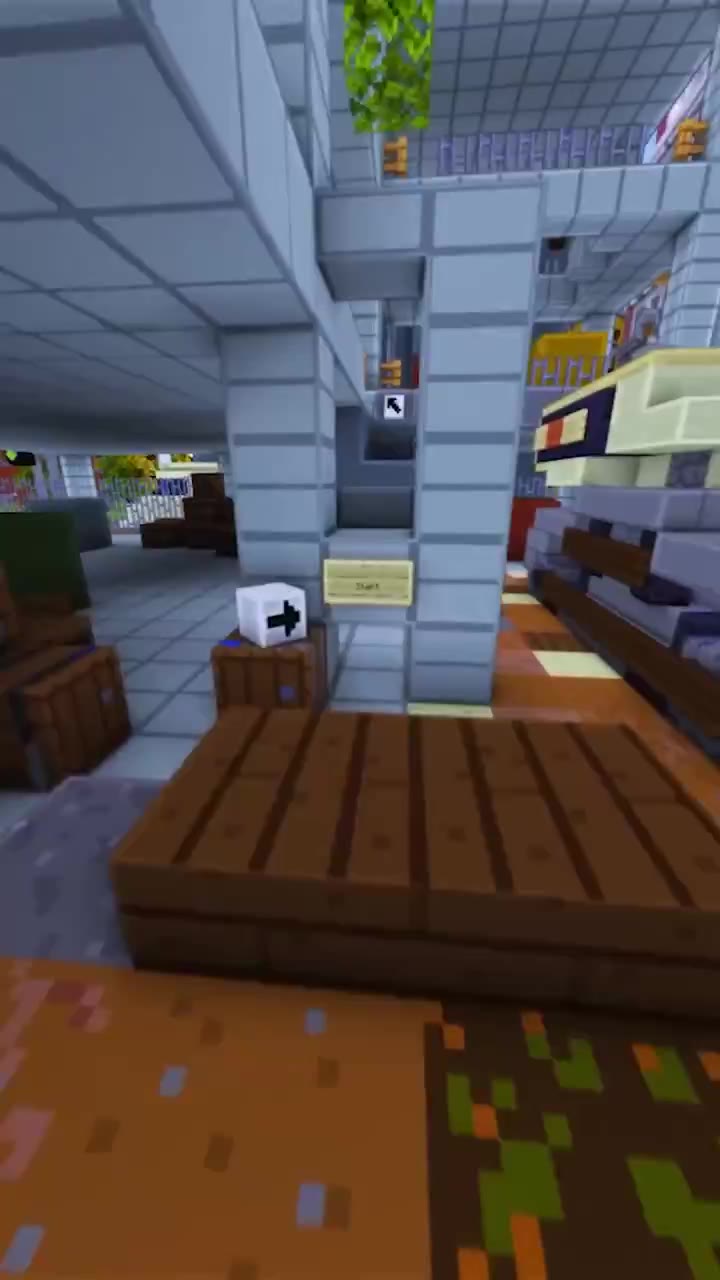
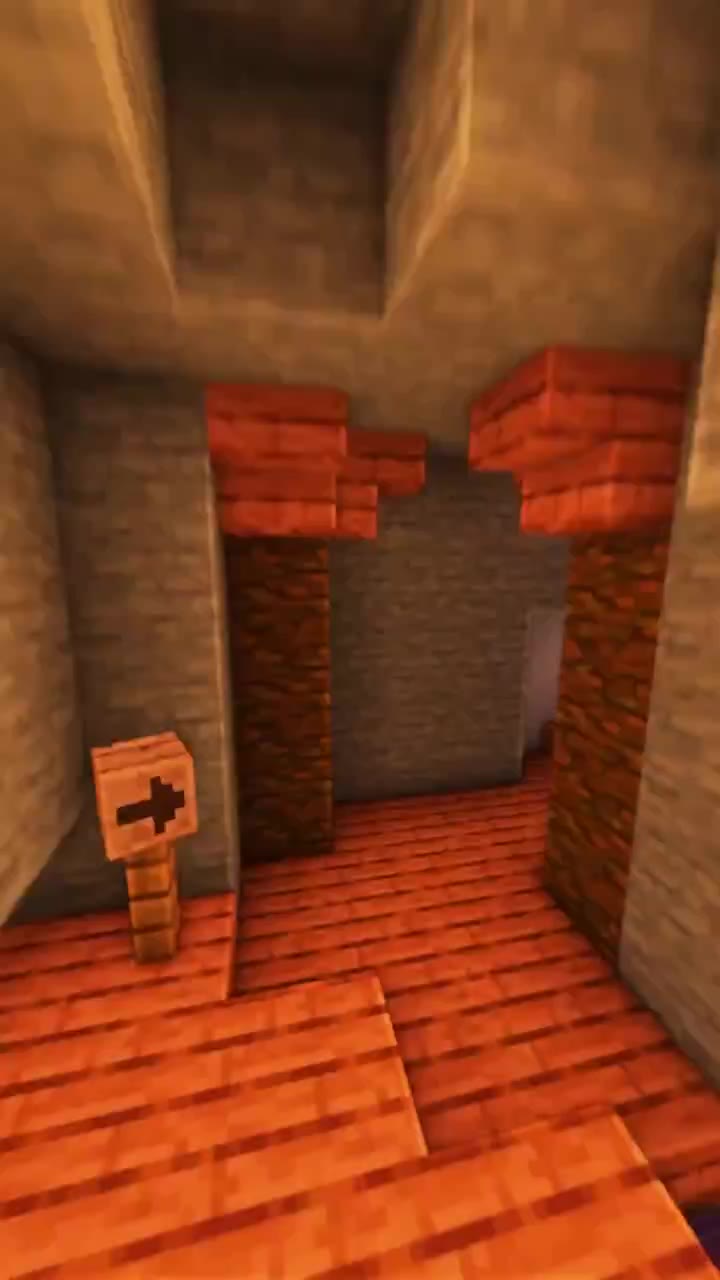
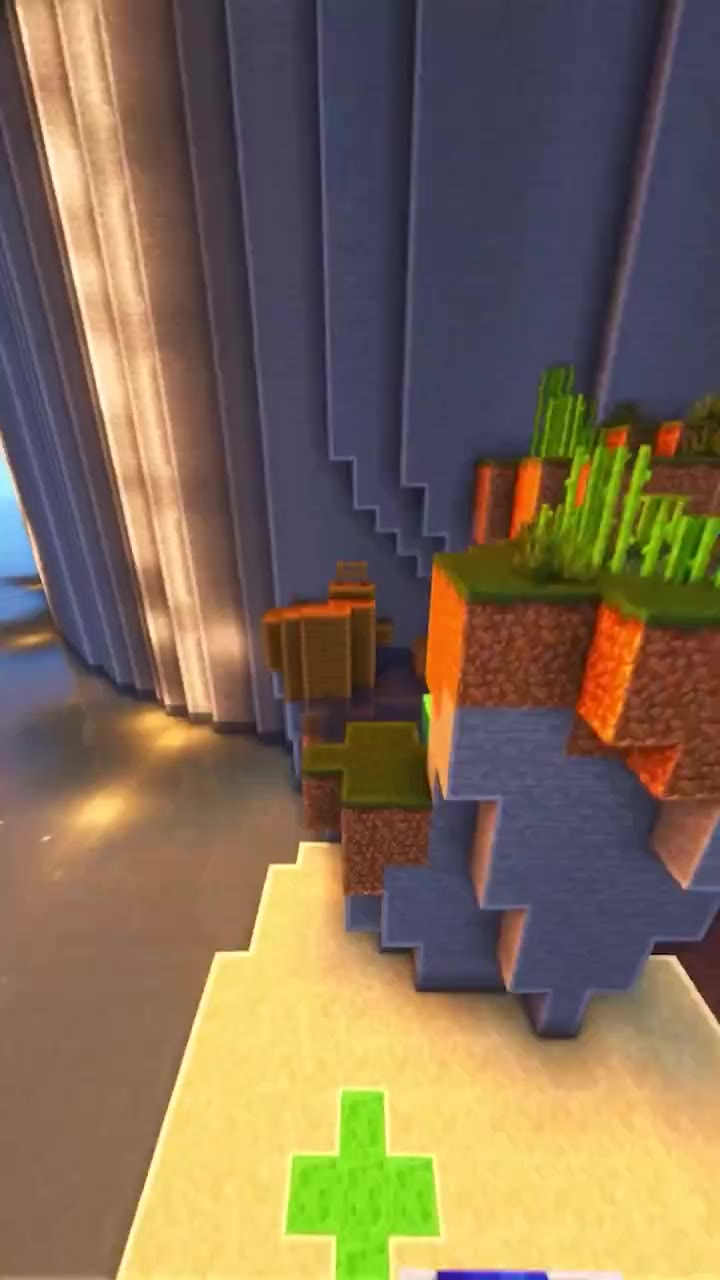
An AI TikTok parkour video generator for turning your own words into a faceless video, with voiceover, captions, and music in one place.
Choose a narrator and listen to a voice preview before generating. Use your own story or commentary without recording yourself.
Keep the text white or highlight each spoken word in red or yellow. Place captions at the top, middle, or bottom to suit your video.
Preview tracks from the music library and adjust the volume under your voiceover, or leave music off for a narration-only video.
Turn a personal anecdote or a story you have permission to share into a narrated parkour video. Start with the line that makes someone want to hear what happens next.
Explain one useful idea, share a surprising fact, or answer a common question. Keep the script focused so it is easy to follow in a short video.
Download a 720 × 1280 MP4 with the gameplay, narration, captions, and selected music combined. Upload it to your chosen platform when you are ready.
Practical answers before you make your first video.
It combines your script, an AI narrator, a prepared Minecraft parkour background, and synced captions into one vertical video. You can also add background music and download the finished MP4.
Yes. It makes 9:16 portrait videos that you can upload to TikTok, YouTube Shorts, or Instagram Reels. Download your MP4 after generating, then upload it through your platform account.
You provide the script, and it is narrated as written. The generator uses the prepared parkour footage you select, trimming or repeating it to fit the voiceover.
You can enter up to 2,000 characters. The video length follows the generated narration, up to 5 minutes. The length of your script and the selected voice affect the final duration.
Before generating, choose plain white captions, red-box word highlights, or yellow word highlights. Place them at the top, middle, or bottom, and optionally select a music track and its volume. To change these choices after a video is finished, generate another video.
The credit cost depends on the length of your script and is shown on the generate button before you submit. It includes the voiceover and video composition. You need to sign in and have enough credits to generate.
Yes. After you submit, the task continues in the background. Save the page URL with its task ID so you can return to check progress, preview the result, and download your video.
Have a story or a fact to share? Paste your script, choose your voice and background, and make a video for your next post.